
How to Change Your Country on App Store for iPhone Users
Whilst living in Japan, if you’ve ever tried to download a Japan-only app like PayPay, Line Manga, or Yahoo Japan and couldn’t find it, you’re not alone. Many iPhone users who move to Japan run into this issue because their App Store region is set to their home country. The good news is that it’s simple to fix once you know how to change your country on App Store.
In this guide, we’ll walk you through how to switch to the Japanese App Store on your iPhone, the benefits of doing so, what you need before changing, and how to make sure everything goes smoothly.

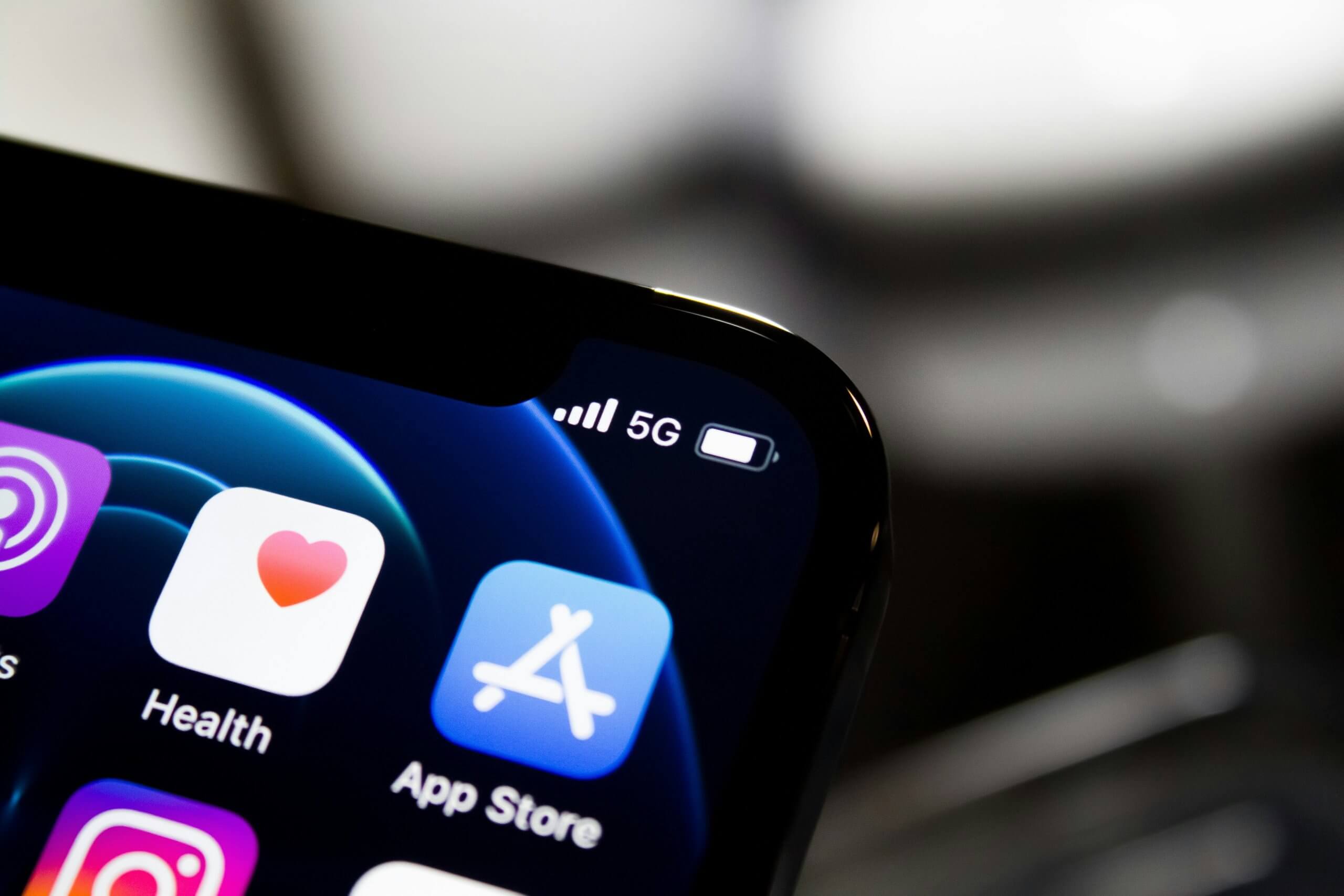
Why You Might Want to Use the Japanese App Store
Whilst living in Japan, there are a lot of apps that can be useful in everyday life. By learning how to change your country on App Store, you can access apps, games, and services that aren’t available anywhere else.
Here are a few examples of what becomes available:
- Local payment and finance apps: PayPay, Rakuten Pay, and LINE Pay.
- Entertainment: Japanese versions of Netflix, Line Manga, and NicoNico Douga.
- Transportation and travel tools: HyperDia, Suica, and Japan Transit Planner.
Switching to the Japanese App Store can make daily life much easier.
What You Need Before Changing Regions
Before you start, make sure you have everything required to change your Apple ID region successfully.
Here’s what you’ll need:
- An Apple ID account.
- A valid Japanese billing address.
- Zero balance on your current Apple ID account.

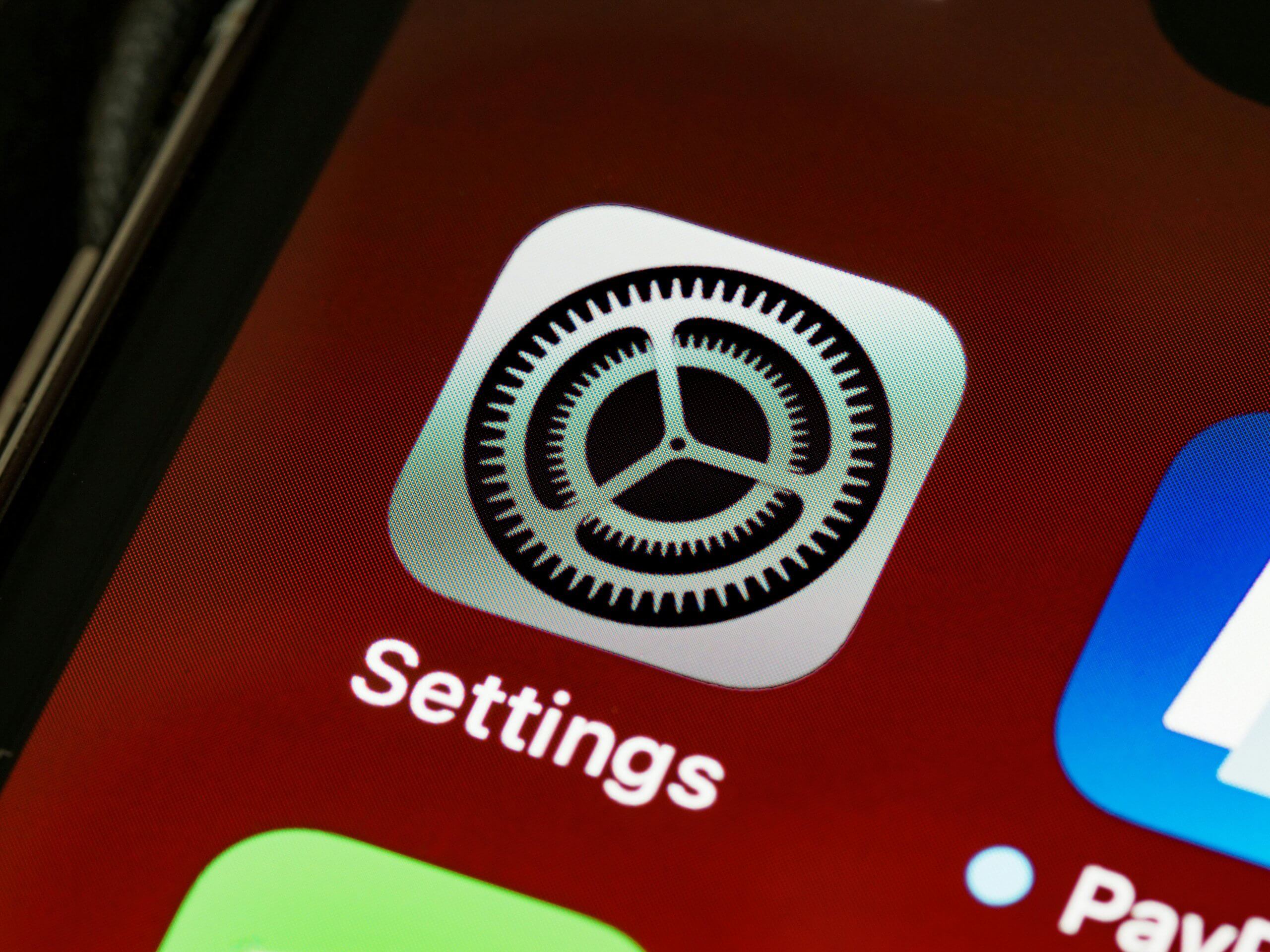
Step-by-Step: How to Change Your Country on App Store
Now, let’s go through the exact steps. Follow these carefully, and you’ll be browsing the Japanese App Store in minutes.
- Open Settings on your iPhone.
- Tap your name in the top-right corner, then select Media & Purchases.
- Tap View Account and sign in if prompted.
- Choose Country/Region, then tap Change Country or Region.
- From the list, select Japan.
- Agree to the Terms and Conditions.
- Enter a Japanese billing address and payment method. You can choose “None” if you don’t plan to add payment details right away.
- Tap Done to confirm your selection.
After you complete these steps, your App Store will automatically update to show Japanese apps, prices in yen, and localized recommendations.
Tips and Troubleshooting
- Some apps may appear in Japanese only. You can use the built-in Translate feature or rely on simple icon navigation to help.
- If you ever want to switch back to your original country, just repeat the same steps and choose your previous region.
- Make sure all app subscriptions in your old region are canceled or expired before switching.
Knowing how to change your country on App Store gives you the flexibility to enjoy international app content without being locked to one region.

Frequently Asked Questions
Can I switch back to my original App Store later?
Yes. You can change your country again at any time by following the same steps and choosing your original region.
Will I lose my existing apps?
No, your current apps will remain on your phone. However, updates for those apps may not appear until you switch back to your previous App Store.
Do I need a Japanese phone number?
Not necessarily, but some apps may require it for account verification.
What if I don’t have a Japanese payment method?
You can still use the Japanese App Store by selecting “None” as your payment option or by purchasing Japanese iTunes gift cards online.
Final Thoughts
Learning how to change your country on App Store is a simple yet powerful way to expand what your iPhone can do. Whether you have just started living in Japan or have been here for a while, this change can make your digital life far more exciting.
If you’re already in Japan and love connecting with people, you might enjoy working part-time as an English Conversation Teacher with One Coin English. It’s a great way to share your language skills, meet locals, and make the most of your time in Japan. Find out more at https://onecoinenglish.com/hireme/blog

Part-Time English Teaching at OCE
We provide training, observations, and feedback for new teachers. We will help you to become a successful teacher!