
How to Book Shinkansen (Bullet Train) Online: Step by Step Guide
If you’re planning to travel around Japan, knowing how to book Shinkansen online can save you time, stress, and long lines at the station. The bullet train network is famous worldwide for speed, efficiency, and punctuality, but navigating ticket purchases can feel confusing for first-time visitors. By using online platforms and apps, you can reserve your seat, choose the right train, and even pay digitally before stepping into the station.
Whether you are traveling for business, sightseeing, or a weekend getaway, booking your ticket online ensures you can plan your trip with confidence. You’ll also gain access to flexible options like reserved seats, Green Car upgrades, and bullet train e-tickets that let you skip ticket lines altogether.
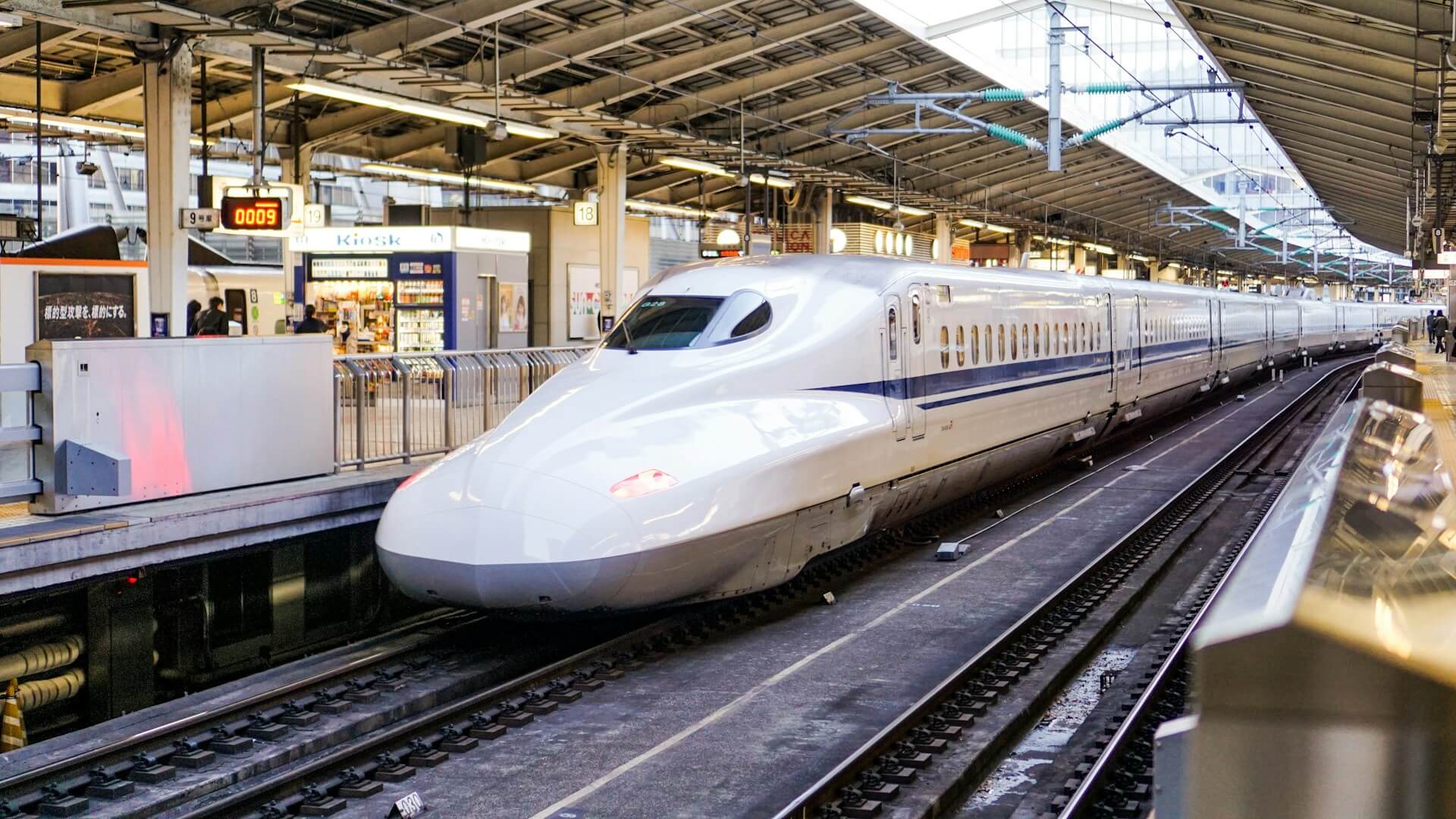
Websites to Book Shinkansen Online
Several official websites allow you to purchase online bullet train tickets in advance. JR East, JR Central, and JR West all have online booking portals, each covering their respective regions. You can select your departure and arrival stations, choose seat types, and view train schedules.
- JR East Train Reservation: Perfect for routes between Tokyo, Tohoku, and Niigata.
- JR Central Express Reservation: Covers the Tokyo, Nagoya, Osaka corridor, including Nozomi and Hikari trains.
- JR West Online Booking: Ideal for Kansai and western Japan destinations.
Using these websites, you can choose departure and arrival stations, view schedules, and select seat types. Most platforms offer English support, making it easy to navigate. After payment, you’ll receive a confirmation email, and some websites allow PDF downloads or reservation numbers to pick up tickets at the station.
Booking online in advance is particularly useful during busy travel periods such as Golden Week, Obon, or New Year’s holidays, when trains can fill up quickly.
Apps for Booking Bullet Train Tickets
If you prefer using your smartphone, several Shinkansen apps make booking even easier:
- EX App: Ideal for JR Central Shinkansen routes. Offers seat selection, Green Car options, and the ability to use bullet train e-tickets for paperless travel.
- JR East Shinkansen Reservation App: Covers Tohoku and Niigata routes. Allows quick booking and schedule checks.
- SmartEX App: Provides nationwide coverage for multiple JR lines, with English interface and digital ticket support.
These apps also let you manage reservations, cancel or modify tickets, and receive notifications about train delays or platform changes. Using an app can be especially convenient for travelers moving between multiple cities in a short period.
How to Book Shinkansen Online
Booking online is straightforward once you understand the steps:
- Select a website or app: Decide between desktop or mobile booking based on convenience.
- Choose your departure and arrival stations: Enter the travel date and preferred time.
- Pick your train type: Decide between Nozomi, Hikari, or Kodama trains. Nozomi is fastest but cannot be used with certain JR passes.
- Select seat type: Reserved, non-reserved, or Green Car (first class). Green Car seats offer extra comfort and space.
- Provide passenger details: Enter names, age categories, and any discounts for children, seniors, or rail passes.
- Payment: Most platforms accept international credit cards, Apple Pay, or Google Pay.
- Receive your ticket: Choose between bullet train e-tickets for mobile use or physical tickets at the station.
Remember to double-check all travel dates, station names, and times before completing payment.
Paper Tickets vs Digital E-Tickets
When you book online, you have the option to choose between paper tickets and digital bullet train e-tickets:
- Paper tickets: Pick up at ticket machines or JR counters. Ideal for travelers who prefer physical tickets or have limited smartphone access.
- Digital e-tickets: Available in EX App or SmartEX. Scan your QR code at ticket gates for quick entry. Digital tickets are convenient, reduce waste, and minimize the chance of losing a ticket.
For travelers moving quickly between multiple trains, digital tickets can save significant time. However, some stations may still require paper tickets for certain routes, so it’s good to check in advance.

Tips for Booking Shinkansen Online
Book early: Busy routes like Tokyo–Kyoto or Tokyo–Osaka can sell out during peak travel seasons.
Check train types: Not all trains stop at every station, so make sure your chosen service fits your itinerary.
Compare platforms: Some websites or apps have promotions or different seat availability.
Keep confirmations handy: Save PDF receipts or screenshots for quick access at the station.
Understand cancellation policies: Many online bookings allow refunds or seat changes for a small fee.
Consider rail passes: If you plan multiple trips, the Japan Rail Pass may save money. Some apps integrate pass usage for seat reservations.
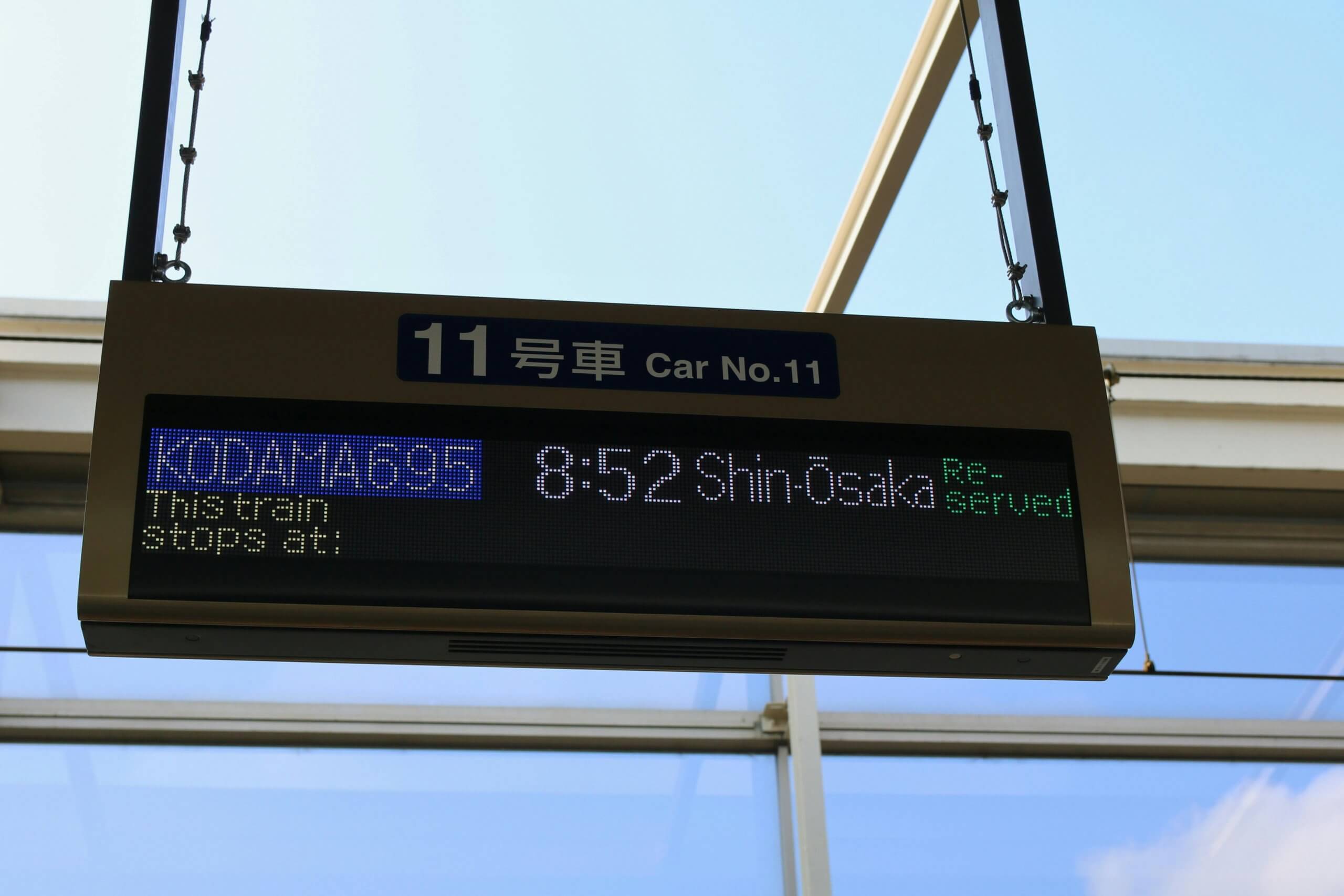
Explore Japan with Ease
Learning how to book Shinkansen tickets online gives you flexibility and peace of mind while exploring Japan. Whether it’s a weekend adventure to Mount Fuji, a trip to Osaka, or a cultural visit to Kyoto, securing your train tickets in advance allows you to focus on enjoying the journey rather than waiting in lines.
If you love connecting with people while living in Japan, you can also combine your travel experiences with a part-time job. At One Coin English, you can work as an English conversation teacher, helping students improve their skills while living and traveling in Japan. Learn more about joining One Coin English at https://onecoinenglish.com/hireme.

Part-Time English Teaching in Japan
We provide a training programme to get you familiar with our teaching methods and ready to thrive at OCE!