

Tap to Pay in Japan: How to Use Contactless Payments Easily
Japan is increasingly embracing cashless technology, making life easier for both residents and visitors. If you want a seamless way to pay without fumbling for bills or coins, tap to pay is the way to go. Whether you’re using contactless credit cards, IC-cards like Suica, or mobile wallets like Apple Pay, Japan has you covered. In this guide, we’ll break down how to use each option and where you can rely on tap to pay every day.
Contactless Credit Cards
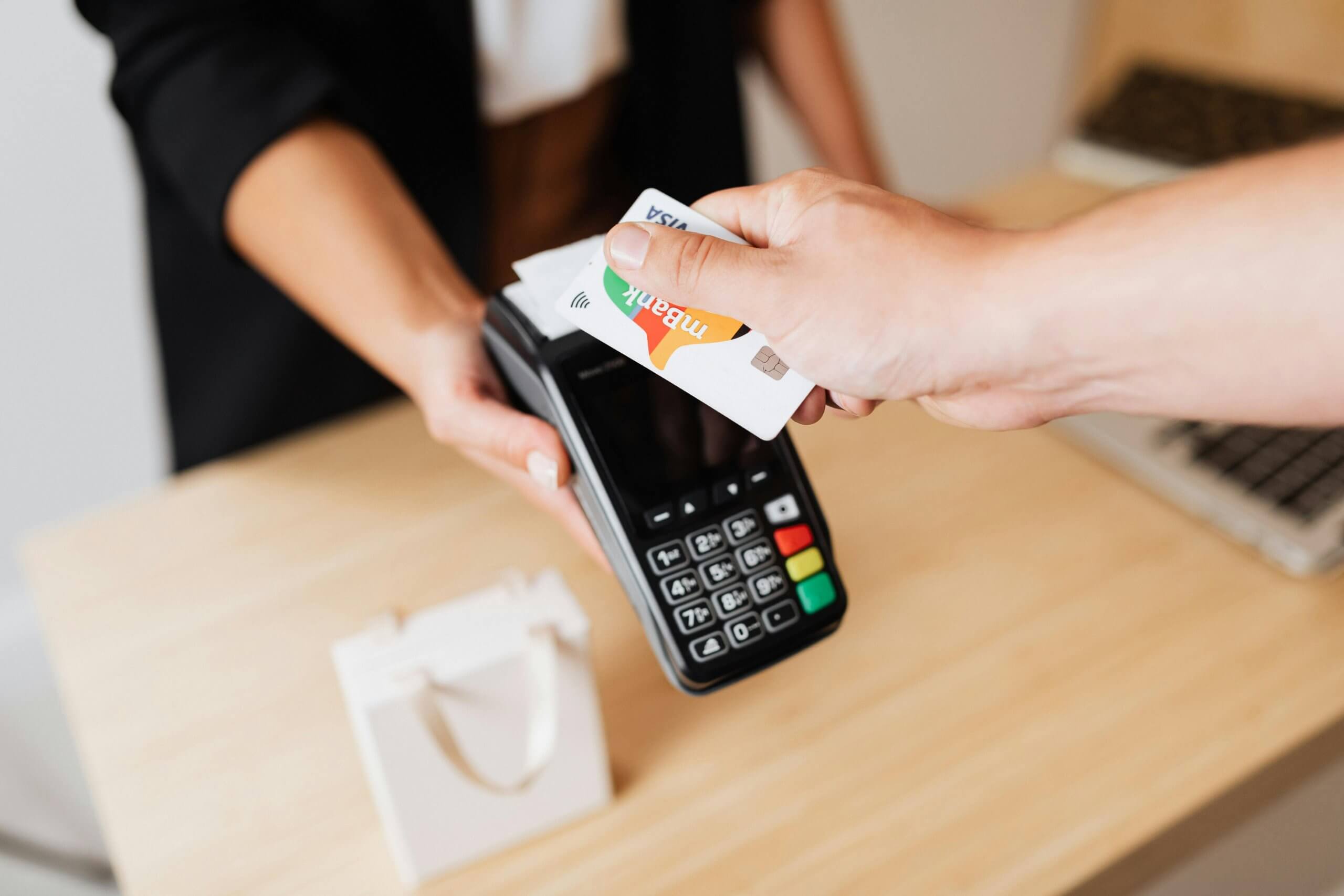
One of the simplest ways to use tap to pay is with a contactless credit card. Most major Japanese banks issue cards equipped with NFC technology, allowing you to just hold your card near a reader. No PIN or signature is needed for small amounts (usually under ¥5,000), making it perfect for coffee, convenience stores, and quick shopping trips. International cards like Visa, Mastercard, and JCB are widely accepted in urban areas, though rural stores may still prefer cash.
To use your contactless credit card:
- Look for the contactless symbol on the terminal.
- Hold your card or device near the reader.
- Wait for a beep or confirmation light.
- Take your receipt (if needed).
This simple tap makes paying much faster than handling cash, especially during busy commuting hours.
IC-Cards: Suica, Pasmo, and More
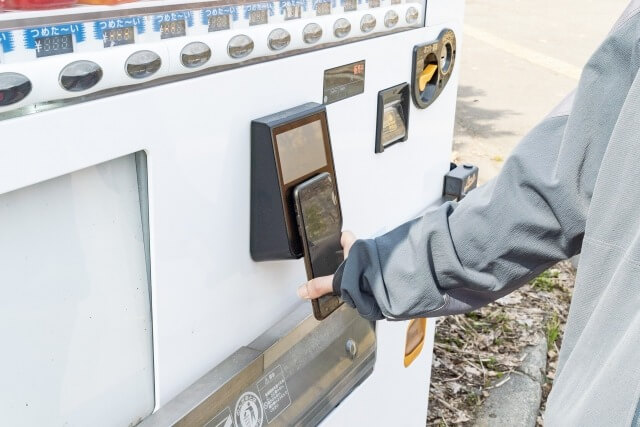
IC-cards like Suica and Pasmo are the lifeblood of daily tap to pay in Japan. Originally designed for trains and buses, these rechargeable cards now work almost anywhere from convenience stores, vending machines, and even some restaurants.
Using a Suica card is easy:
- Recharge at ticket machines, convenience stores, or online.
- Tap the card on a reader at the register.
- Payment is automatically deducted.
Suica also integrates with mobile wallets like Apple Pay and Google Pay, letting you pay directly from your phone instead of carrying a physical card. This makes tap to pay even more convenient for tech savvy users or travelers who prefer minimal clutter.
Apple Pay and Google Pay
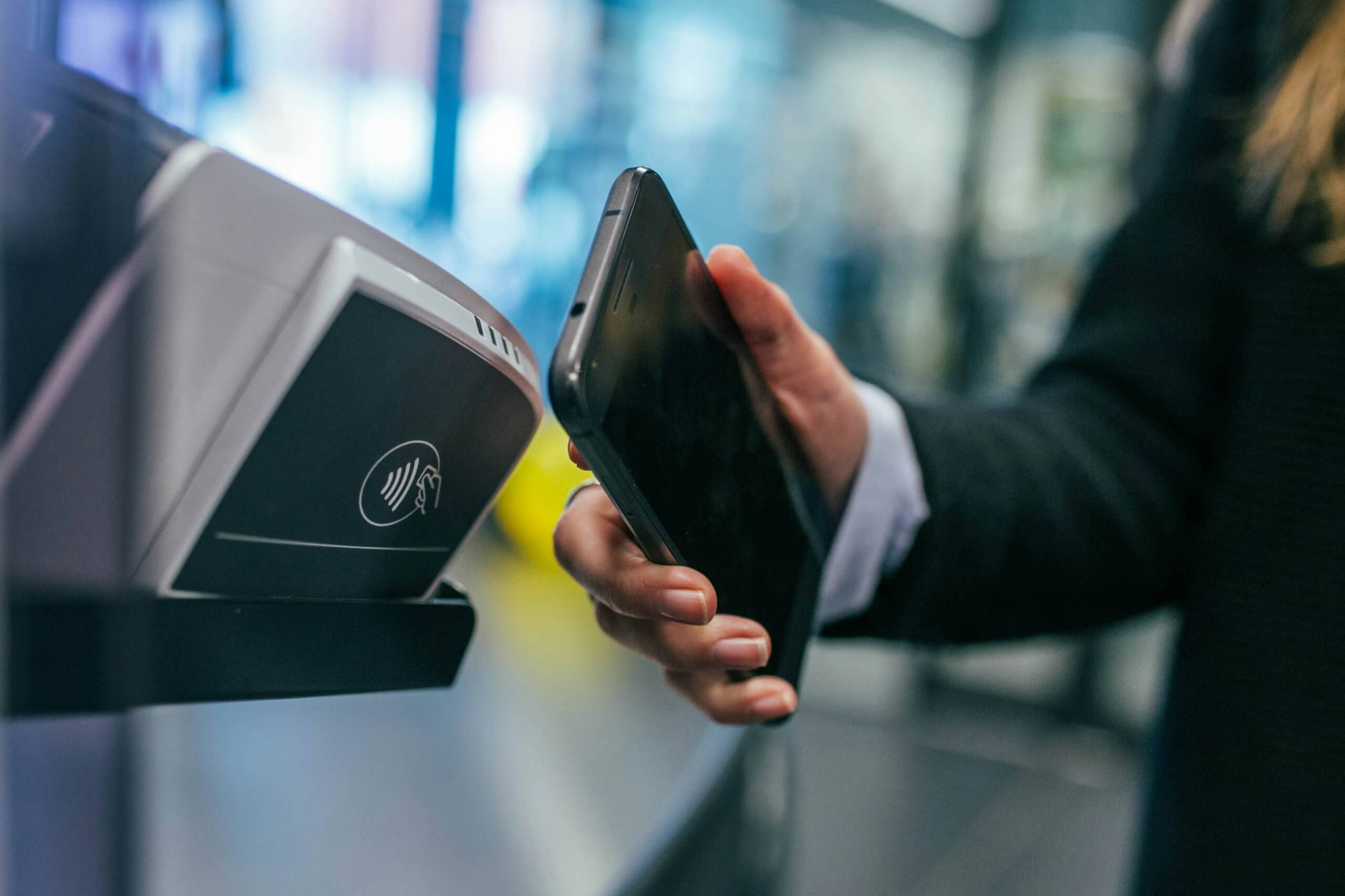
For iPhone and Android users, mobile wallets provide another seamless way to tap to pay. Apple Pay and Google Pay support Japanese IC-cards like Suica, as well as most contactless credit cards.
To use Apple Pay in Japan:
- Add a Japanese issued Suica or credit card to your Wallet app.
- Hold your iPhone or Apple Watch near the reader.
- Authenticate with Face ID, Touch ID, or passcode if needed.
Google Pay works similarly on Android devices, supporting both Suica and major contactless credit cards. Both options make it easy to switch between transportation, shopping, and dining payments without carrying multiple cards.
Where You Can Use Tap to Pay
Thanks to Japan’s push for cashless solutions, tap to pay is now accepted widely:
- Convenience stores like 7-Eleven, Lawson, and FamilyMart
- Train stations and buses
- Restaurants, cafés, and fast food chains
- Department stores and smaller retailers
Some smaller shops in rural areas may still prefer cash, so it’s wise to carry a bit of yen just in case. However, in most cities, you’ll find that contactless payments save you time and make life smoother.
Tips for a Smooth Contactless Payment Experience
- Always check for the contactless symbol before tapping.
- Recharge IC-cards regularly to avoid declines.
- Keep your phone or card handy at checkout to reduce delays.
- If using mobile wallets abroad, ensure your card is compatible with Japanese NFC networks.
By following these tips, you’ll master tap to pay in Japan without stress.
Extra Tips
For travelers, tap to pay in Japan can make exploring cities much smoother. If you plan to use Suica or Apple Pay, consider linking your cards to your hotel or transportation apps to top up conveniently. Many train stations offer multilingual machines, so even if your Japanese is limited, recharging your IC-card is simple.
You can also combine tap to pay with point rewards. Some contactless credit cards automatically collect points on every purchase, and IC-cards often have seasonal campaigns. For those using Apple Pay or Google Pay, enabling notifications can help track spending in real time.
Finally, remember that many attractions and convenience stores now accept tap to pay, meaning fewer trips to the ATM. Mastering tap to pay makes your travel experience faster, safer, and more enjoyable.
Conclusion
Whether you choose a contactless credit card, a Suica IC-card, or Apple Pay, Japan makes tap to pay simple and convenient. It’s perfect for daily commuting, shopping, and even eating out. By embracing cashless payments, you can save time and enjoy a more seamless Japanese experience.
Interested in spending more time in Japan and gaining valuable experience? You can work part-time as an English Conversation Teacher with One Coin English! Check out opportunities at https://onecoinenglish.com/hireme/blog.

Part-Time English Teaching at OCE
We provide training, observations, and feedback for new teachers. We will help you to become a successful teacher!